
TM SIM Registration for Minors in the Philippines
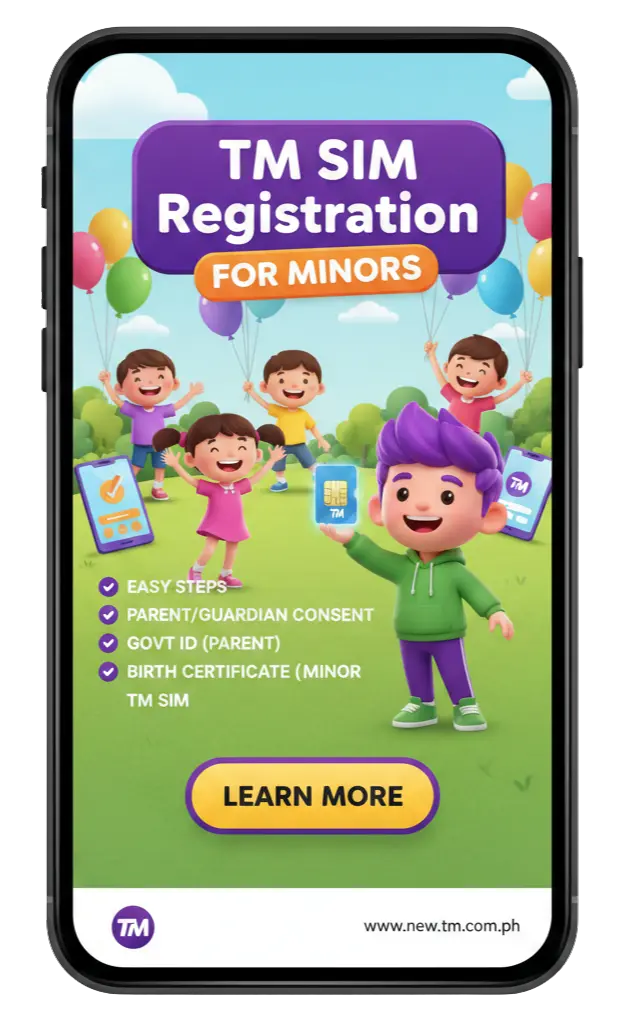
If you have a child who wants to use a TM SIM card, you need to know the rules. Kids under 18 years old cannot register a SIM card by themselves in the Philippines.
But don’t worry parents can do it for them. This guide will show you everything about TM SIM registration for minors. We will explain what the law says, what papers you need and how to register step by step.
What Is the SIM Registration Act?
The SIM Registration Act is a law in the Philippines. Its official name is Republic Act No. 11934. The government made this law in October 2022.
The law says everyone must register their SIM cards. This includes kids, teenagers, adults and even visitors from other countries.
Why did the government make this law?
The Philippines had big problems with:
- Scam messages and calls
- People stealing money through fake texts
- Criminals using fake phone numbers
- Spam messages that trick people
In 2021 and 2022 many Filipinos lost money because of these scams. The government wanted to stop this. So they made a rule everyone must register their SIM card with their real name and ID.
When did registration start?
The law became active in December 2022. Everyone had to register their SIM cards by July 25, 2023. If they didn’t register, their SIM cards stopped working.
Today you cannot use any new TM SIM card without registering it first. The SIM will not work until you complete registration.
Can a Minor (Under 18) Register a TM SIM?
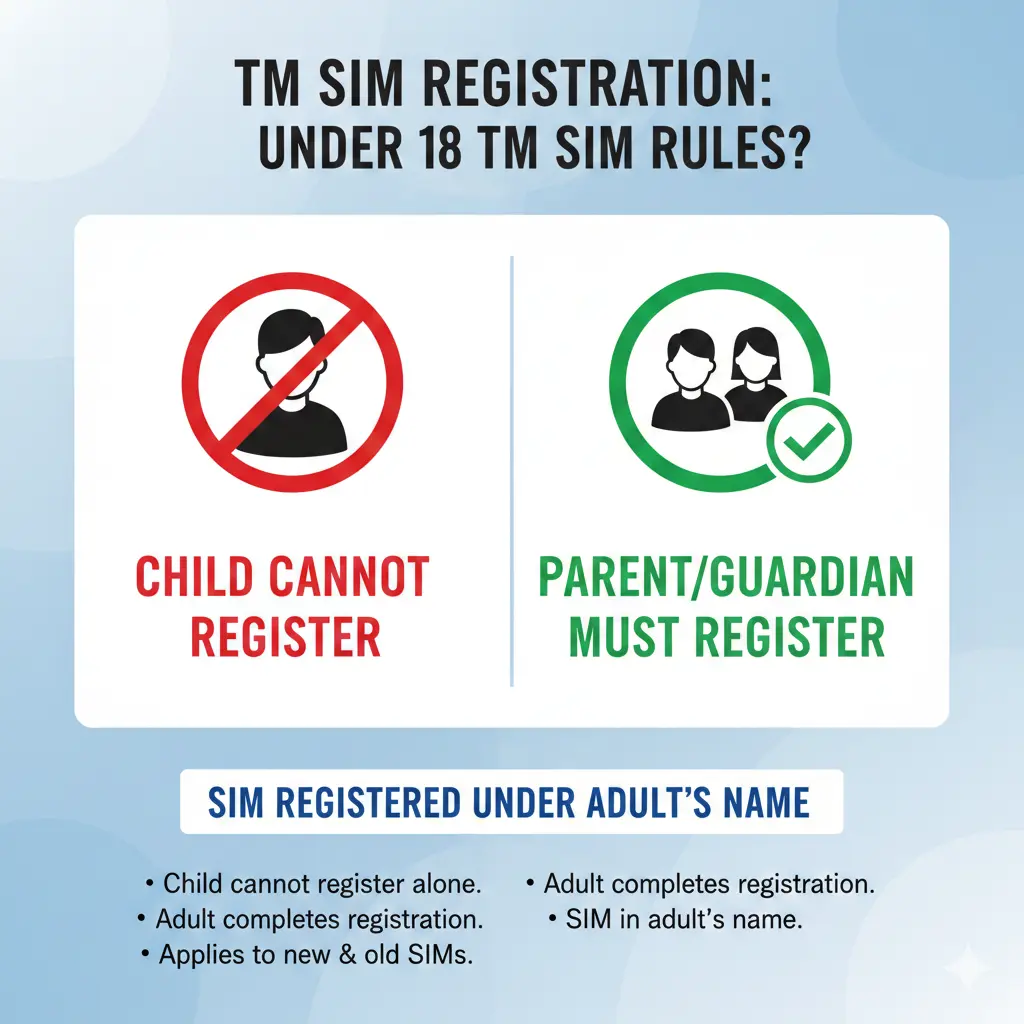
No, minors cannot register a SIM card by themselves.
The law is very clear about this. Anyone under 18 years old needs help from their parent or legal guardian.
Think of it like opening a bank account. Kids need their parents to sign the papers. The same thing happens with SIM cards.
Your child can use the TM SIM card. But the registration must be in the parent’s or guardian’s name. The parent takes legal responsibility for how the SIM card is used.
Who Can Register a SIM?
Here’s who can register TM SIM cards in the Philippines:
| Person Type | Can Register? | Requirements |
|---|---|---|
| Adults (18 and above) | Yes, by themselves | Valid government ID + personal details |
| Minors (under 18) | Only through parent/guardian | Parent's ID + minor's documents + consent |
| Filipino citizens | Yes | Philippine government-issued ID |
| Foreign tourists | Yes, for 30 days | Passport + return ticket + proof of address |
| Foreign residents | Yes | Passport + visa + work permit or student permit |
| Companies | Yes | Company papers + representative's ID |
Why Minors Can't Register a SIM by Themselves
There are two main reasons why the law doesn’t allow kids to register SIM cards alone:
1. No Valid Government ID
To register a SIM you need a government-issued ID card. Most kids under 18 don’t have these IDs yet.
The government accepts these IDs:
- Philippine National ID
- Passport
- Driver’s License
- SSS ID (Social Security System)
- UMID Card
- Postal ID
- School ID (for minors, along with parent’s ID)
- Birth Certificate (for minors, along with parent’s ID)
Most young children don’t have a passport or driver’s license. Even if they have a school ID or birth certificate, they still need their parent to register the SIM.
2. Legal Responsibility
When you register a SIM card, you become legally responsible for it. This means:
- If someone uses the SIM to send scam messages the registered person gets in trouble
- If the SIM is used for illegal activities, the owner is questioned by authorities
- The registered person must follow all the rules
Kids are too young to take on this kind of responsibility. That’s why the law says parents or guardians must handle it.
If you give false information when registering, you can face serious punishment:
- Prison time: 6 months to 2 years
- Fine: Up to ₱300,000
The government is very serious about this. They want to make sure only real people with correct information register SIM cards.
Learn About: TM SIM vs GOMO SIM.
Step-by-Step: How to Register TM SIM for Minors
There are two ways to register: online or at a Globe store. Online is faster and easier. Here’s how to do it.
Method 1: Register Online
Step 1: Go to the Official TM SIM Registration Website
Open your web browser and go to: https://simreg.globe.com.ph/
You can use your phone, tablet or computer.
Step 2: Click on SIM Registration
Find the registration button on the homepage. Click it to start.
Step 3: Enter the TM SIM Number
Type in the 11-digit mobile number of the TM SIM card. Make sure you type it correctly!
The number should start with 09.
Step 4: Request OTP (One-Time Password)
After entering the number, click “Request OTP” or “Send PIN.”
You will receive a text message with a 6-digit code on the TM number.
Step 5: Enter the OTP
Type the 6-digit code you received. Click “Continue” or “Verify.”
Step 6: Choose “Registration for Minor”
The website will ask who is registering. Select the option that says:
- “I am registering for a minor”
- “Parent/Guardian Registration”
Step 7: Fill in Parent’s Information
Enter the parent or guardian’s details:
- Full name (as shown on ID)
- Birthday
- Gender
- Complete address
- Email address (optional but helpful)
Step 8: Fill in Minor’s Information
Enter the child’s details:
- Full name
- Birthday
- Relationship to parent (son, daughter, ward)
Step 9: Upload Required Documents
You need to upload clear photos of:
- Parent’s government ID (front and back)
- Minor’s birth certificate OR school ID
- Parent’s selfie (take a fresh photo)
Step 10: Review and Submit
Check all the information carefully. Make sure:
- Names are spelled correctly
- Birthday is correct
- Address is complete
- Photos are clear
Once everything looks good, click “Submit.”
Step 11: Wait for Confirmation
After submitting, you will see a message that says: “Your SIM is now registered.”
You will also get a reference number. Save this number! You might need it later if you have any problems.
Within a few minutes, you will receive a confirmation text message from 8080 saying your registration is complete.
Method 2: Register Using GlobeOne App
If you prefer using an app you can register through the GlobeOne mobile app.
Step 1: Download the GlobeOne app from Google Play Store (Android) or App Store (iPhone)
Step 2: Open the app and create an account (if you don’t have one)
Step 3: Find the “SIM Registration” button at the bottom of the screen
Step 4: Follow the same steps as the online method (enter number, get OTP, fill in details upload documents)
Step 5: Submit and wait for confirmation
The app process is almost the same as the website. The advantage is that it is easier to take photos directly from your phone camera.
Method 3: Register at a Globe Store
If you don’t want to register online you can visit a physical Globe or TM store.
What to bring:
- The TM SIM card
- Original government ID of parent/guardian
- Minor’s birth certificate or school ID
- Both parent and child should come together (if possible)
What happens at the store:
- A staff member will help you fill out a registration form
- They will scan your documents
- They will take your photo
- Registration happens right away
How Does Registration for Minors Work?
When you register a TM SIM for your child here’s what happens:
- The SIM is registered under the parent’s or guardian’s name (not the child’s name)
- The parent provides their government ID (to prove who they are)
- The parent provides the minor’s documents (birth certificate or school ID)
- The parent takes full responsibility for how the SIM is used
- The child can use the SIM but the parent is the legal owner
What Documents Do You Need?
To register a TM SIM for a minor you need documents from both the parent and the child.
Parent or Guardian Must Provide:
- Full legal name
- Date of birth
- Gender
- Complete home address
- Valid government ID (original, not expired)
- Phone number
Minor Must Provide:
- Full legal name
- Date of birth
- Birth Certificate OR School ID
- Relationship to parent/guardian
List of Accepted Government IDs for Parents:
| ID Type | Who Can Use It |
|---|---|
| Philippine National ID | All Filipino citizens |
| Passport | Anyone with a valid Philippine passport |
| Driver's License | Adults with a driving license |
| SSS ID | Members of the Social Security System |
| GSIS ID | Government employees |
| UMID Card | Employees and pensioners |
| Postal ID | Anyone (can get from the post office) |
| PRC ID | Licensed professionals (teachers, nurses, engineers) |
| Voter's ID | Registered voters |
| Senior Citizen ID | People 60 years and above |
| PWD ID | Persons with disabilities |
Conclusion
In the Philippines TM SIM registration for minors is strictly controlled by the SIM Registration Act (RA 11934). Minors cannot register a SIM on their own. Instead, parents or guardians must register the SIM in their own name.
This keeps everything legal, protects children from misuse and helps authorities keep the mobile network safe.
Knowing the rules and following the correct process is important to avoid fines, service problems or legal trouble.
FAQs
Can a 17-year-old register their own TM SIM?
No. Anyone under 18 must have a parent or guardian register the SIM for them.
Can grandparents register a SIM for their grandchild?
Yes, if they are the legal guardian. They need to show proof that they are the legal guardian (court documents or custody papers).
What if both parents work and cannot go to the store?
Register online! You can do it from home anytime. It is faster and easier.
Can I register multiple SIMs for my children?
Yes. You can register as many SIMs as you need. Each SIM must be registered separately but they will all be under your name.
What if my child loses the SIM card?
Report it immediately to TM customer service. Call ***143# **or visit a Globe store. They can deactivate the lost SIM and help you get a replacement.