
TM SIM Balance Check: Check Your Load (2026)
Checking your TM balance is easy and takes just a few seconds. Whether you want to use SMS, make a call, dial a code or use an app we will show you exactly how to do it.
In this guide, you will learn all the methods to check your Touch Mobile (TM) balance, which ones are free and which work best for you.
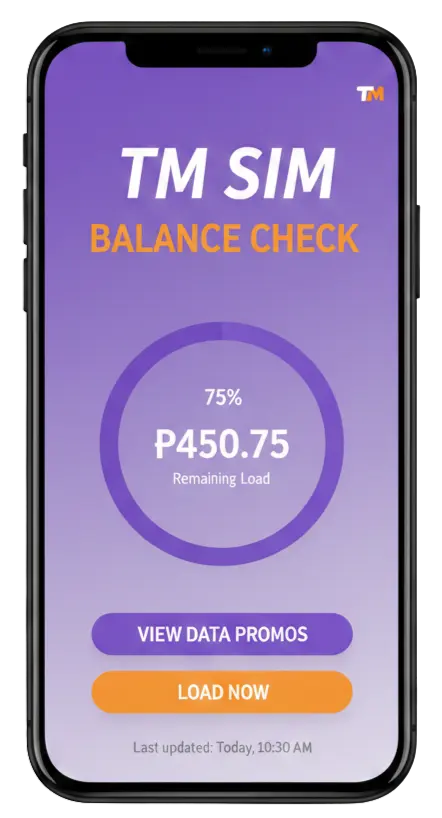
What is TM Balance?
TM balance is the money you have left on your TM SIM card. This is also called your “load” or “prepaid balance.”
When you buy load for your TM number you can use it to:
- Make calls
- Send text messages
- Use mobile data (internet)
- Subscribe to promos
Your balance goes down when you use these services. That’s why you need to check it often to know how much load you have left.
Why Should You Check Your TM Balance?
Checking your TM balance helps you:
- Know if you have enough load for calls or texts
- See when you need to buy more load
- Track your data usage
- Check if your promo is still active
- Avoid running out of load at important times
TM SIM Balance Check Methods
TM gives you 4 easy ways to check your balance. All methods are free.
Method 1: Check TM Balance via USSD Code
This is the quickest method. Just dial a simple code on your phone.
Steps:
- Open your phone dialer
- Type: *143#
- Press the call button
- Wait 2-3 seconds
- A menu will appear on your screen
- Select option 2 (My Account)
- Your balance will show up
What You will See:
- Your main balance
- Promo balance (if you have any)
- Data balance
- Validity date
This method works even without internet connection.
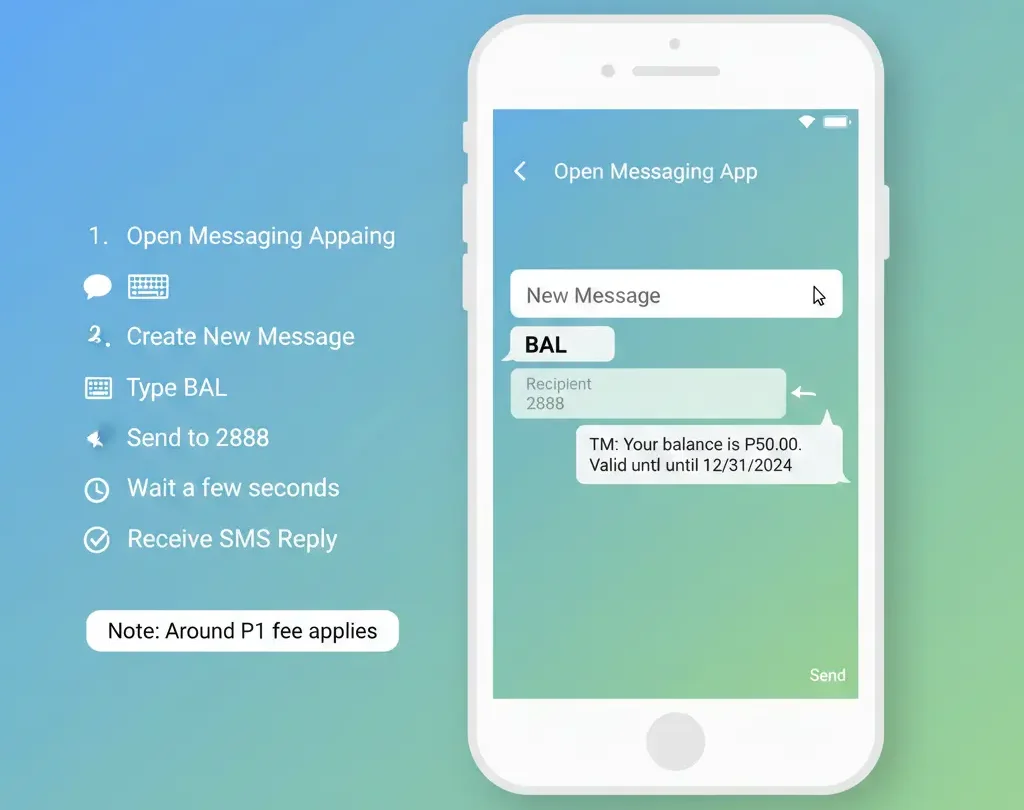
Method 2: Check TM Balance via SMS
You can check your balance by sending a text message.
Steps:
- Open your messaging app
- Type: BAL (in capital letters)
- Send it to: 8080
- Wait for the reply (usually 10-30 seconds)
- You will get a message with your balance
Example Reply: Your TM balance is P50.00. Valid until March 15, 2026.
Also Check: TM SIM Registration for Minors in the Philippines
Method 3: Check TM Balance via Call
You can call TM customer service to ask about your balance.
Steps:
- Dial: *143
- Press the call button
- Listen to the voice menu
- Press 2 for My Account
- Press 1 for Balance Inquiry
- Listen to your balance
This method is helpful if you prefer listening instead of reading.
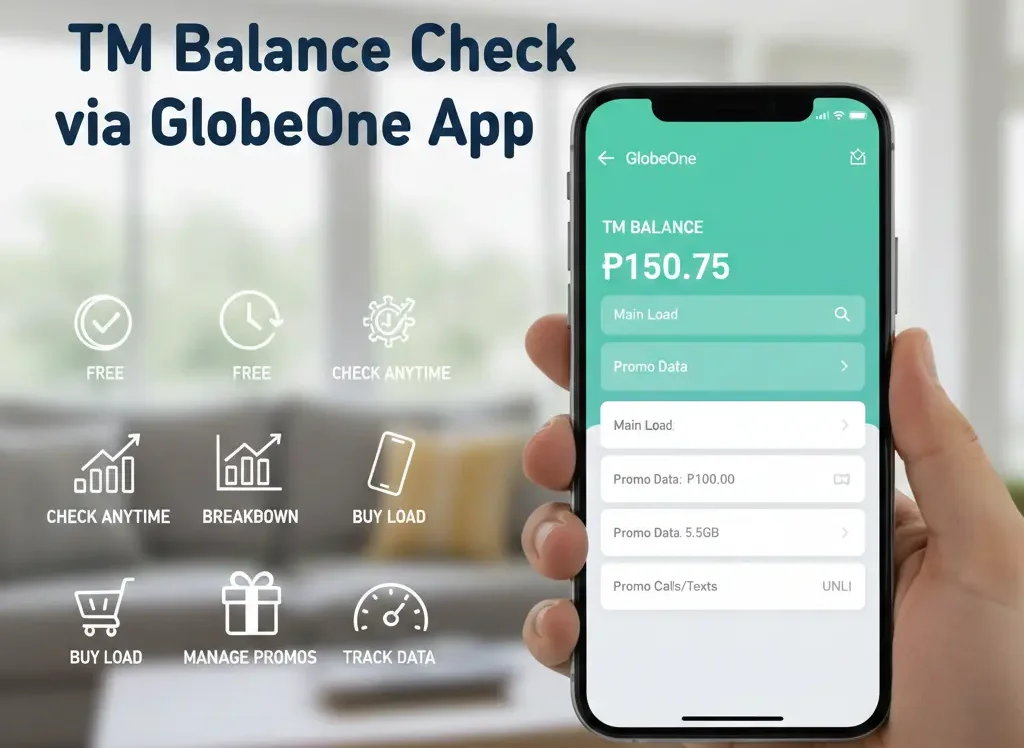
Method 4: Check TM Balance via GlobeOne App
The GlobeOne app is the official app from Globe and TM. It is completely free to download and use.
Steps:
- Download GlobeOne app from Google Play Store or App Store
- Install and open the app
- Register your TM number
- Log in to your account
- Your balance will show on the home screen
Benefits of GlobeOne App:
- See your balance anytime
- Check data usage
- Buy load online
- Subscribe to promos
- View transaction history
- No need to dial codes every time
The app uses a small amount of data but checking your balance inside the app is free.
How to Check TM Load Balance Using *143#
Let me explain the *143# method for checking tm sim balance in more detail because it is the most popular.
| Step | What to Do | What You'll See |
|---|---|---|
| 1 | Dial *143# | Menu appears |
| 2 | Press 2 | My Account menu |
| 3 | Press 1 | Balance Inquiry |
| 4 | Wait | Your balance shows |
You Can Also:
- Press 3 to check data balance
- Press 4 to check promo status
- Press 5 to see validity
Other Ways to Check TM Balance
Check Balance Online
You can check your balance on the Globe website:
- Go to Globe.com.ph
- Log in with your number
- Click on “My Account”
- Your balance will appear
Common Issues and Quick Fixes
Problem 1: Code Not Working
Fix:
- Make sure you typed *143# correctly
- Check if your SIM is inserted properly
- Restart your phone
- Try another method like SMS
Problem 2: No Reply from 8080
Fix:
- Wait a bit longer (up to 2 minutes)
- Check if you typed BAL correctly
- Make sure you sent it to 8080
- Try the USSD code instead
Problem 3: GlobeOne App Not Working
Fix:
- Check your internet connection
- Update the app to the latest version
- Clear app cache
- Reinstall the app
Problem 4: Balance Shows Zero but You Just Loaded
Fix:
- Wait 5 minutes for the system to update
- Check if you loaded the correct number
- Call customer service: 143 (free from TM)
Conclusion
Checking your TM balance is very easy. The fastest way is to dial *143# and follow the menu. You can also send “BAL” to 8080 or use the GlobeOne app.
Remember to check your balance regularly so you always know how much load you have. This helps you avoid running out of load when you need it most.
Pick the method that works best for you and start checking your balance today!
FAQs
Is checking TM balance free?
Yes, all methods to check your TM balance are completely free.
How often can I check my balance?
You can check your balance as many times as you want. There is no limit.
Can I check balance without load?
Yes, you can check your balance even if you have zero load. The inquiry is free.
What is the difference between main balance and promo balance?
- Main balance: Regular load you can use for anything
- Promo balance: Special load that comes with promos (like free texts or data)
How do I know when my load expires?
When you check your balance, it will show the validity date. Regular load usually lasts 30 days.