Why People Deactivate Their TM SIM
Here are the most common reasons why people want to deactivate their TM SIM:
Lost or Stolen Phone When someone loses their phone they want to deactivate the SIM fast. This stops other people from using their number.
Switching to Another Network Some users switch from TM to Globe, Smart or other networks. They need to deactivate the old SIM.
Not Using the Number Anymore If you have an extra number you don’t use, it’s better to deactivate it properly.
Getting Too Many Spam Calls Some people receive too many spam or marketing calls. Deactivating the SIM can help solve this problem.
Moving to Another Country When people move abroad permanently they deactivate their Philippine numbers.
After Someone Passes Away Family members need to deactivate the SIM card of loved ones who have passed away.
How to Manually Unregister or Deactivate TM SIM Card
There are several ways to deactivate your TM SIM. Choose the method that works best for you.
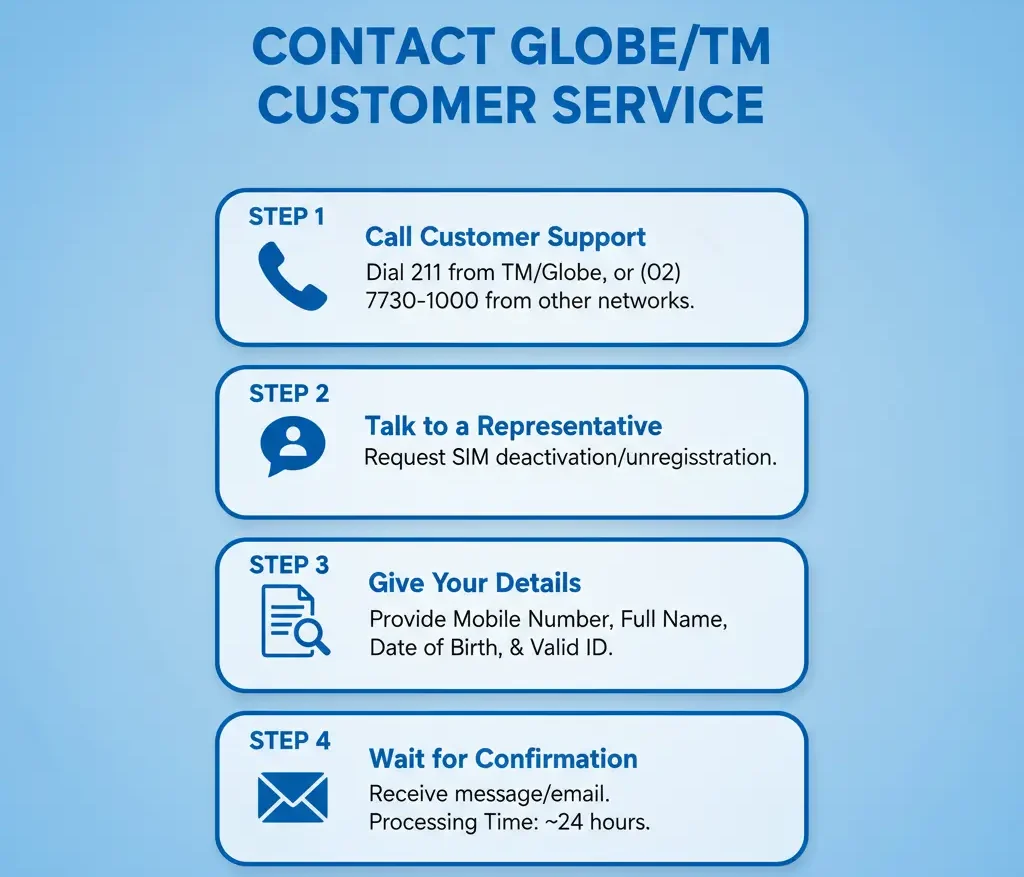
Method 1: Call TM Customer Service
This is the fastest and easiest way to deactivate your SIM.
Step 1: Call the TM hotline at 143 (from your TM number) or 0917-8-000-000 (from other networks)
Step 2: Wait for the customer service representative to answer
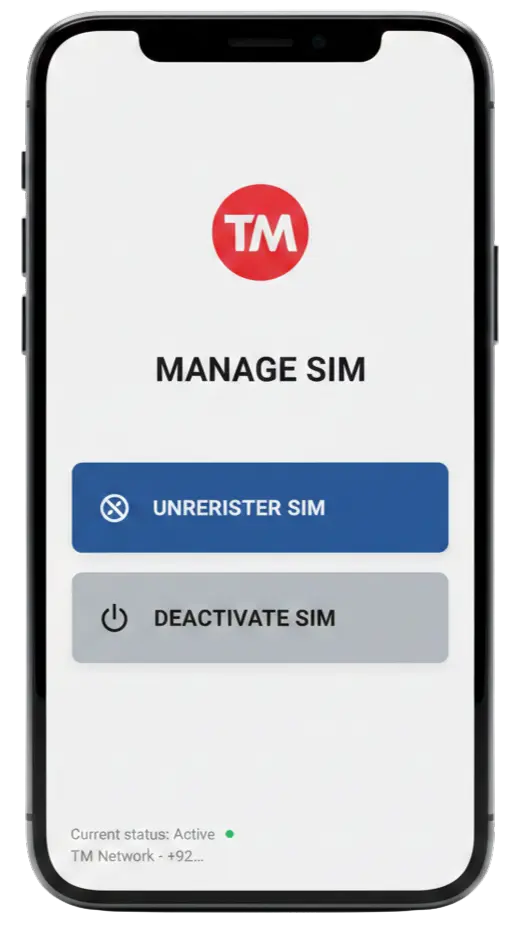
Step 3: Tell them you want to deactivate your TM SIM
Step 4: Provide these details:
- Your TM mobile number
- Your full name
- Your registered address
- Reason for deactivation
Step 5: Answer their security questions
Step 6: They will confirm the deactivation
Time needed: 10 to 20 minutes
Cost: Free if you call from TM. Regular call rates apply from other networks.
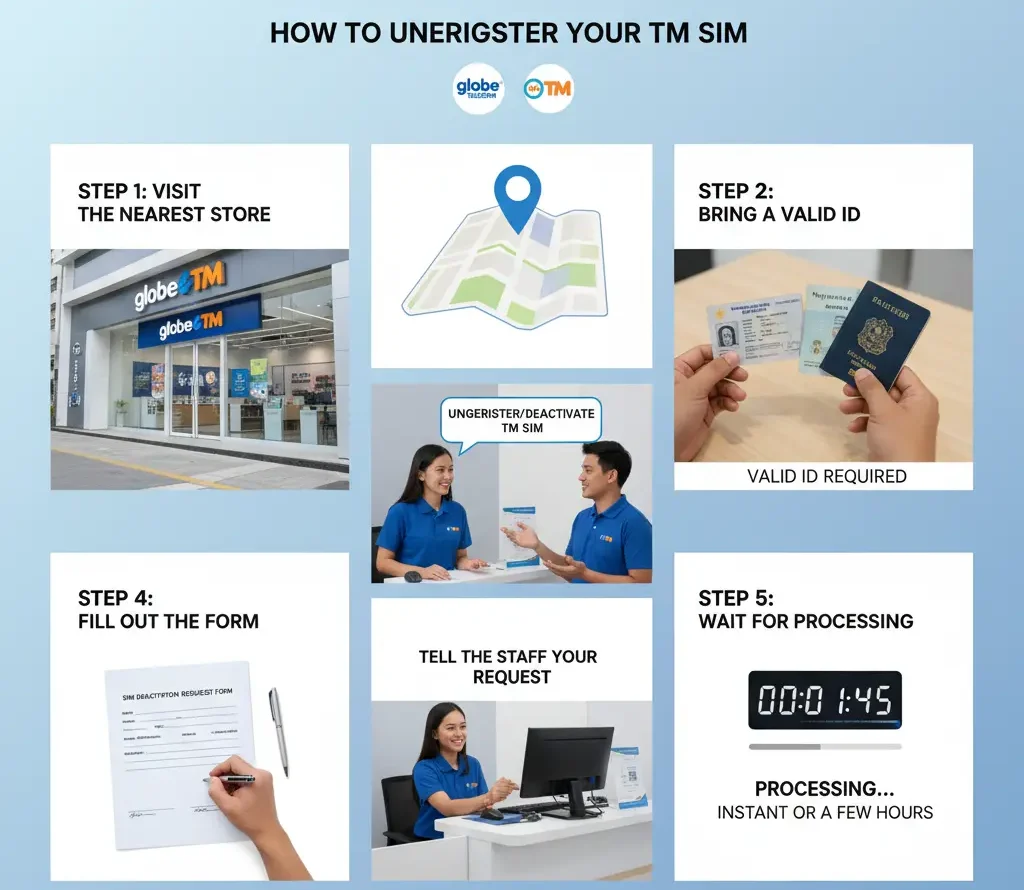
Method 2: Visit a Globe or TM Store
You can also deactivate your SIM by visiting a physical store.
Step 1: Find the nearest Globe or TM store
Step 2: Bring these documents:
- Valid ID (government-issued)
- Your TM SIM card (if you still have it)
Step 3: Tell the staff you want to deactivate your TM number
Step 4: Fill out the deactivation form
Step 5: Submit your documents
Step 6: Get a confirmation receipt
Time needed: 30 minutes to 1 hour (depending on the queue)
Method 3: Deactivate a Lost or Stolen SIM
If your phone or SIM was lost or stolen, act quickly.
Immediate Action (Do This First):
- Call 143 or 0917-8-000-000 immediately
- Report your SIM as lost or stolen
- Request an immediate deactivation
- Ask them to block all transactions
What Information You Need:
- Your mobile number
- Your full name as registered
- Last known location where you lost the phone
- Police report number (if you filed one)
After Deactivation:
- Your old number will be permanently deactivated
- You can get a new SIM with a new number
- You can also request SIM replacement if you want to keep the same number
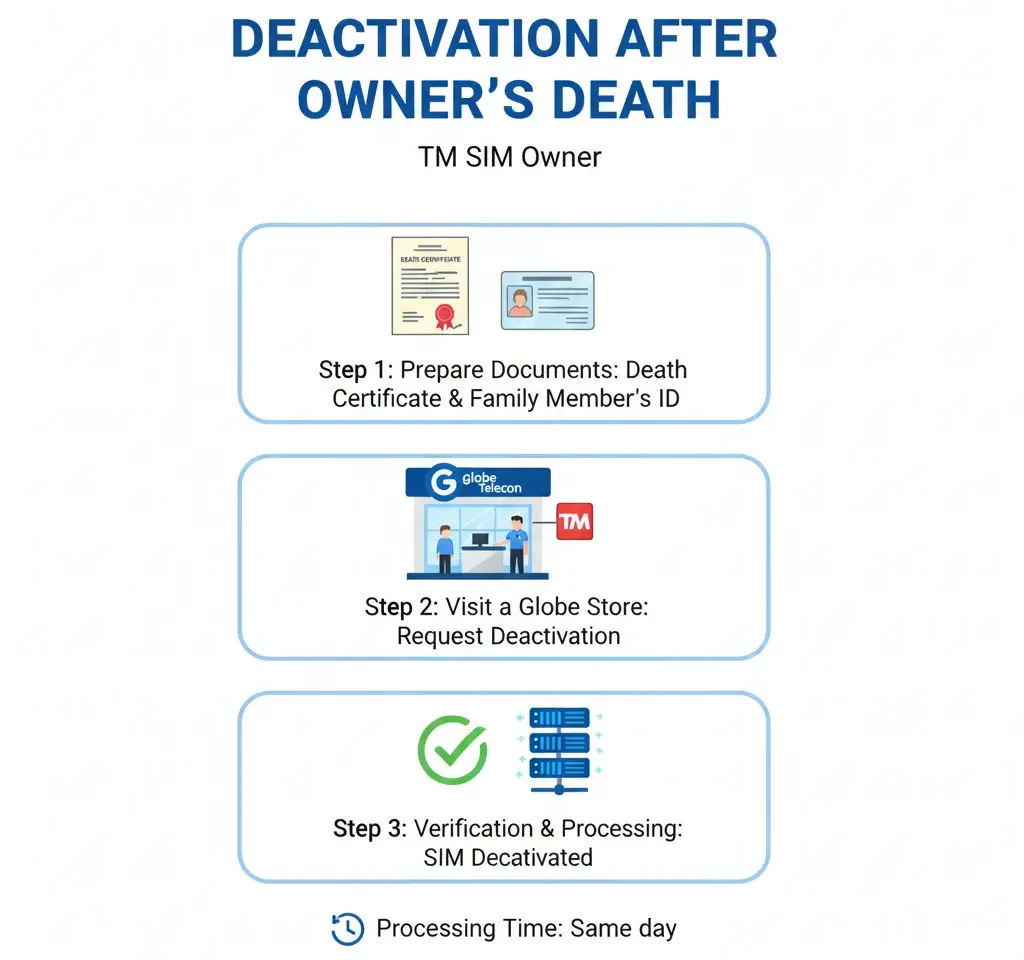
Method 4: Deactivate SIM After Someone Passes Away
This is a sensitive situation. Here’s how to handle it properly.
Documents You Need:
- Death certificate of the SIM owner
- Valid ID of the person requesting deactivation
- Proof of relationship (birth certificate, marriage certificate)
- Authorization letter (if applicable)
Steps to Follow:
- Visit a Globe or TM store personally
- Bring all required documents
- Explain the situation to the staff
- Fill out the necessary forms
- Submit the documents
- Wait for processing (usually 3-5 business days)
What Happens After You Deactivate Your TM SIM
Understanding what happens next is important. Here’s a timeline:
Right After Deactivation (First 24 Hours)
- You cannot make or receive calls
- You cannot send or receive text messages
- Your mobile data stops working
- People calling you will hear “the number you dialed is out of coverage area” or similar message
Within 7 to 30 Days
- All unused load balance is forfeited (you lose the remaining load)
- Active promos and subscriptions are cancelled
- Your number is put in a waiting period
After 30 to 90 Days
- Your number becomes available for recycling
- Globe/TM may assign your old number to a new customer
- You cannot recover the number anymore
Can You Reactivate?
If you change your mind within 30 days, contact TM customer service. They might be able to reactivate your number. After 30 days, reactivation is usually not possible.
Also Check:TM SIM Load Promos After Registration – Affordable Promos
Conclusion
Deactivating a TM SIM card is a simple process. You can call customer service, visit a store or wait for automatic deactivation. The method you choose depends on your situation. If you lost your phone call immediately. If you are switching networks or no longer need the number then take your time and follow the proper steps.
Remember to update all your accounts and inform your contacts before deactivating. This will save you from problems later. Do you have more questions about TM SIM deactivation? Contact TM customer service at 143. Their team is ready to help you 24/7.