
TM SIM Activation 2026 – Activate Your SIM Card After Registration
TM SIM activation is one of the most common steps every new TM user needs to do in the Philippines. After you buy a new TM SIM card and finish the registration process, the next thing is to make sure your SIM is fully turned on and ready to use. This means you can make calls, send messages, and use mobile data without any problems.
In this guide, you will learn exactly how TM SIM activation works after registration, how to check if your SIM is active, what to do if it is not working and how to fix common problems.

What is TM SIM Activation?
TM SIM activation is the step that turns on your SIM card after you finish registration. Once your SIM is active, you can use calls, texts, mobile data, and buy promos. Without activation, your SIM card is useless — it cannot do anything at all.
What Happens After You Register Your TM SIM?
When you finish registering your TM SIM card whether you did it online through the Globe SIM Registration Portal (simreg.globe.com.ph), through the GlobeOne app or in person at a Globe or TM store the next thing that happens is activation. This is the step where your SIM card goes from “registered” to “ready to use.”
After your registration is complete the TM system checks a few things before your SIM becomes active:
| What TM Checks | Why It Matters |
|---|---|
| Your ID and uploaded documents | To make sure they are real and valid |
| Your name, date of birth, and address | To match your details with your ID |
| Your SIM card number | To link the SIM to your registered account |
| Your selfie photo | To confirm you are the real owner |
Once everything checks out your TM SIM is marked as “Active” in the system. At this point you can make calls, send texts use mobile data and load promos. This whole process usually happens in just a few minutes. But sometimes if the network is busy it can take up to 24 hours.
- Note: TM SIM activation happens automatically after a successful registration. You do not need to do any extra steps to activate it on your own.
Table of Contents
What You Need Before Activating Your TM SIM
Before you go through the activation process, make sure you have everything ready. Here is a simple list of what you need:
| What You Need | Details |
|---|---|
| TM SIM Card | A new TM SIM card bought from an official store or retailer. |
| A Mobile Phone | Any phone that supports your SIM card size (Nano or Micro). |
| Valid ID | PhilSys ID, Passport, Driver's License, Voter's ID, or any government-issued ID. |
| Internet Connection | Needed if you register online or use the GlobeOne app. |
| Your SIM Number | The 11-digit number starting with 09 printed on your SIM card pack. |

TM SIM Activation Process (Step-by-Step)
TM SIM activation is not something you have to do manually. Once your TM SIM registration is successful your SIM card gets activated on its own. But you still need to follow a few small steps to make sure everything works perfectly on your phone.
Here is exactly what you need to do:
- Put your TM SIM card into your phone. Make sure it clicks into place properly. If it is not sitting right your phone will not read it.
- Turn your phone off and then turn it back on. This helps your phone connect to the TM network fresh.
- Wait about 2 to 3 minutes. Give your phone a little time to search for and connect to the TM or Globe network.
- Look at the top of your phone screen. If you see “TM” or “Globe” next to the signal bars your phone is connected to the network.
- Keep your SIM card in the same phone for at least 10 to 15 minutes after registration. This gives the network enough time to fully recognize your SIM and turn it on.
- Try sending a text message or making a short call to someone. If it goes through your TM SIM is active and ready to use.
- Note: Do not switch your SIM card to a different phone right after registration. Leave it in the same phone for at least 15 minutes so the activation process can finish properly.
How to Check That Your TM SIM Is Activated?
Not sure if your SIM is active yet? No problem. There are three easy ways to check. You can use any of them pick the one that feels easiest for you.
Method 1: TM SIM Check Using Network Signal or SMS
This is the simplest way to check. You do not need any app or internet connection for this one.
- Insert your TM SIM card into your phone.
- Wait a few seconds and look at the top of your screen for signal bars.
- If you see “TM” or “Globe” written next to the signal bars your phone has connected to the network.
- Now try sending a text message to any number even a short “hello” works.
- If the message sends successfully your TM SIM is activated and working.

Method 2: TM SIM Status Check via GlobeOne App
The GlobeOne app is the official app from Globe Telecom that works for all TM SIM cards. You can download it for free from the Google Play Store or the Apple App Store.
- Open the GlobeOne app on your phone.
- Log in using your TM number and password. If you do not have an account yet, create one it only takes a minute.
- Once you are logged in, look at your account page or dashboard.
- You will see your TM number and its status written next to it.
- If it says “Registered and Active” your SIM is fully activated and ready to use.

- Note: The GlobeOne app automatically updates your SIM status once your registration is approved so you don’t need to log out or refresh it manually.
Method 3: Verify TM Activation Through Test Call or Data Connection
If you want to be 100% sure you can test your SIM by making a call or using mobile data.
- Make a short phone call to a friend or family member using your TM SIM.
- If the call connects and you can talk your SIM is active.
- You can also open a website or app that needs mobile data like Google or Facebook.
- If the page loads and you can browse the internet that confirms your mobile data is working and your SIM is activated.
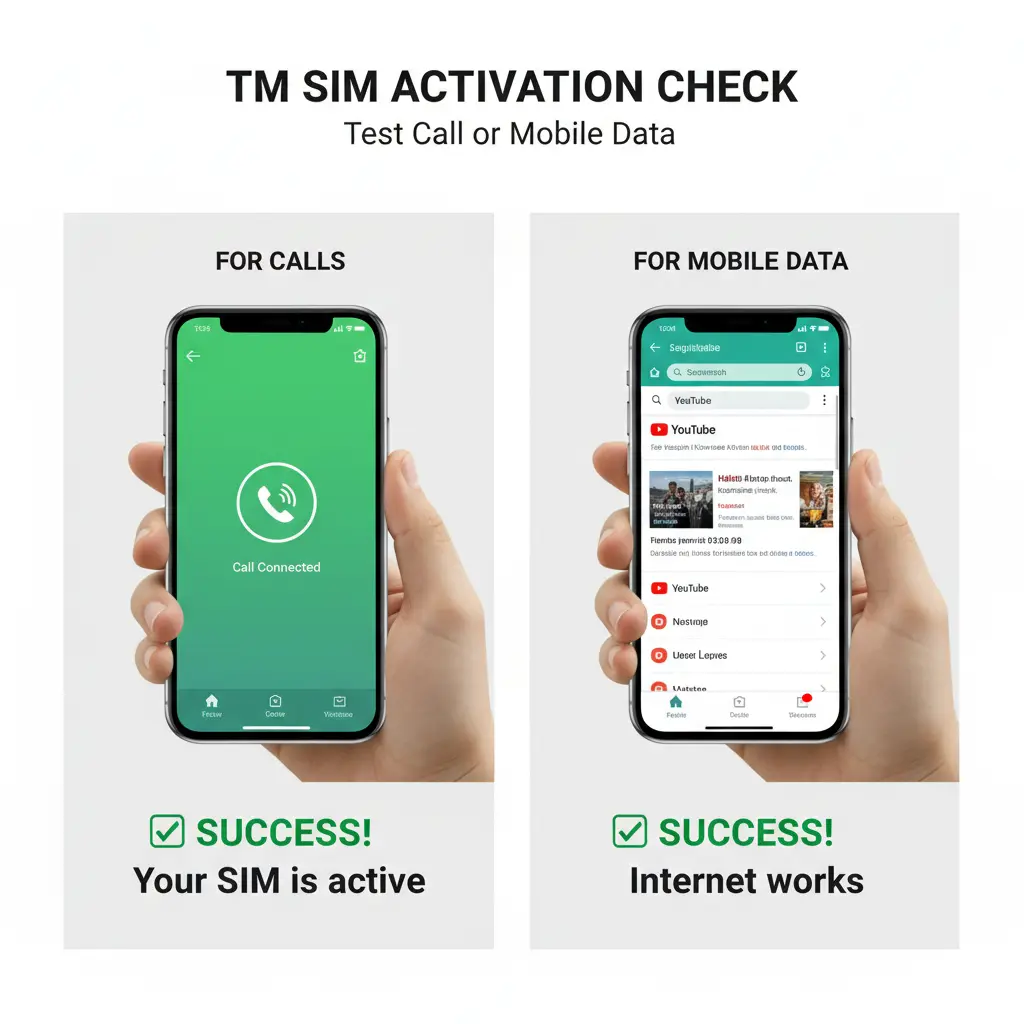
- Note: This test helps you to confirm not just your network registration but also full SIM activation including calls, texts and internet access.
What to Do If Your TM SIM Is Not Activated?
Sometimes even after you finish registration your SIM might not activate right away. This happens to some people and it is usually not a big deal. Here is what you can try:
| Problem You Might See | What You Should Do |
|---|---|
| No network signal on your phone | Remove your SIM, wait 30 seconds, insert it again, and restart your phone. |
| "SIM Not Valid" or "Unregistered SIM" error | Take the SIM out and reinsert it carefully. Make sure it is placed in the correct SIM slot. |
| Network signal shows but no service | Go to your phone settings and manually select TM or Globe as your network. |
| Nothing works after 24 hours | Contact TM Customer Support so they can verify your registration status and resolve the issue. |
| App says SIM is not registered | Log out of the GlobeOne app, restart your phone, then log back in to refresh your status. |
How Long Does TM SIM Activation Take?
In most cases TM SIM activation happens very quickly usually within a few minutes after your registration is confirmed. However, the time can vary depending on a few things:
| Situation | How Long It Takes |
|---|---|
| Normal registration (no issues) | A few minutes to 1 hour |
| Network is busy or there is high traffic | Up to 12 hours |
| Your documents are still being checked | Up to 24 hours |
| There is an error in your registration details | Could take longer — contact support |
Tips to Ensure Smooth TM SIM Activation
Follow these helpful tips to make sure your TM SIM activates without any problems:
- Keep your SIM card in your phone right after you register it. Don’t remove it until activation is complete.
- Avoid switching SIM cards between different phones or devices while waiting for activation.
- Use only official TM or Globe registration portals which is https://new.globe.com.ph/simreg or the GlobeOne app.
- Enter your correct personal information and upload a valid ID.
- Don’t try to register the same SIM more than once. Multiple registrations can slow down or block activation.
TM SIM Activation Confirmation Message
After your TM SIM is successfully activated, you will receive a confirmation text message on your phone. This message comes from the number 8080 and it tells you that your SIM is now registered and active. It usually says something like:
“Your TM SIM registration has been successfully verified. Your SIM is now active.”
Make sure to keep this message as proof that your SIM has been activated. You might need it later if any issues come up. You can also check the prefix number in Philippines.
- What to Do If You Don’t Receive the Message
If you don’t get the confirmation SMS within 24 hours:
- Restart your phone and wait a few minutes.
- Check your SIM status using the GlobeOne app.
- If it still doesn’t show as active contact TM Customer Support for help.
Common TM SIM Registration Problems and Fixes
Some people run into small problems during the registration or activation process. Here are the most common issues and how to fix them:
| Common Problem | Simple Fix |
|---|---|
| ID upload failed | Make sure your ID photo is clear and under 4 MB in size. Then try uploading again. |
| Selfie was rejected | Take a new selfie in a bright room with a plain background. Your face must be fully visible. |
| OTP (code) not received | Wait 2 minutes and try again. If it still does not arrive, restart your phone and retry. |
| "Already registered" error | This means your SIM may already be registered. Check your status in the GlobeOne app. |
| SIM shows as inactive after registration | Wait up to 24 hours. If it is still inactive, contact TM support or visit a Globe store. |
| Wrong details submitted | You can update your details through the Globe portal. You are allowed up to 2 updates per year. |
TM SIM Helpline — How to Contact Customer Support
If you need help with your TM SIM activation or registration, TM provides 24/7 customer support. You can reach them through several ways:
| Contact Method | Details |
|---|---|
| Hotline (Landline) | (02) 7730-1500 |
| Hotline (From TM Mobile) | Dial 808 |
| Facebook Messenger | Send a message through TM's official Facebook page |
| Visit a Store | Go to your nearest Globe or TM store with your valid ID |
| Official Website | Visit the Globe website for live chat support |
Conclusion
TM SIM activation in the Philippines is a simple and quick process. Once you finish your registration through the official Globe portal, the GlobeOne app or a TM store your SIM card will activate on its own usually within minutes.
Just remember these key points: always use the official registration methods, keep your SIM in the same phone for at least 15 minutes after registration, and wait up to 24 hours if your SIM does not activate right away. If you still have trouble after that, TM customer support is always ready to help you. Now that you know exactly how TM SIM activation works, you can get your new SIM up and running without any stress.
FAQs
Is TM SIM activation free?
Yes. TM SIM registration and activation are completely free. You do not need to pay anything.
Can I activate my TM SIM without registering?
No. Under the SIM Registration Act (RA 11934) all SIM cards in the Philippines must be registered before they can be used.
What if my old TM SIM is not registered?
The deadline to register old SIMs was December 27, 2022. Old unregistered SIMs can no longer be registered. You will need to buy a new TM SIM and register it.
Can I register and activate a TM SIM for my child?
Yes. A parent or legal guardian can register a SIM for a minor (under 18). The SIM will be registered under the guardian’s name with their ID and documents.
What happens if I do not activate my TM SIM?
If your SIM is not activated you will not be able to make calls, send texts or use mobile data.